
Configuring Late Fee
https://embarc-doc.lendapi.com/docs/charges#overdue-penalties
- A scheduled job called "Apply penalty to overdue loans" checks for installments that are past due plus the wait period.
- Supports recurring penalties (weekly/daily) via
feeFrequencyand respects global configurations (penalty-wait-period,backdate-penalties-enabled,grace-on-penalty-posting). - Late fees are always marked as penalties; allocation rules typically prioritize them ahead of non-penalty fees.
I. Create a Late Fee
Click + Fee
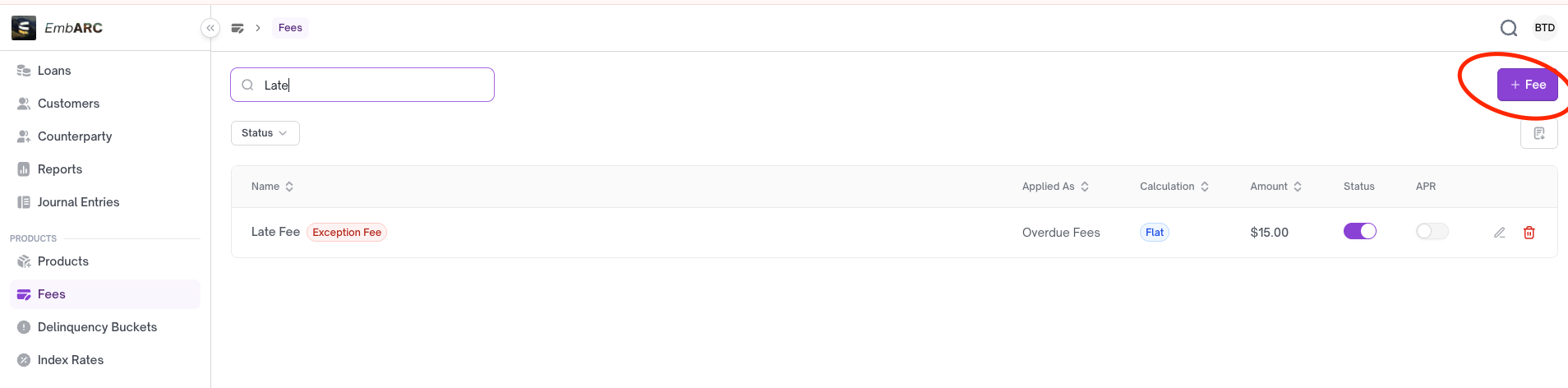
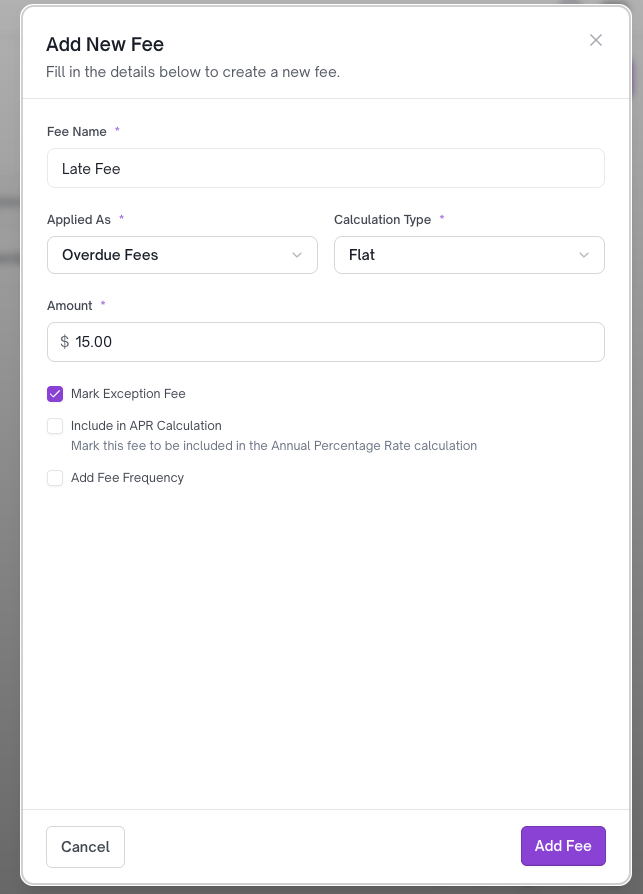
- Enter the fee name
- Applied As:
Overdue Fees - Calculation Type: Choose either Flat or Percentage
- Mark as Exception Fee (Required)
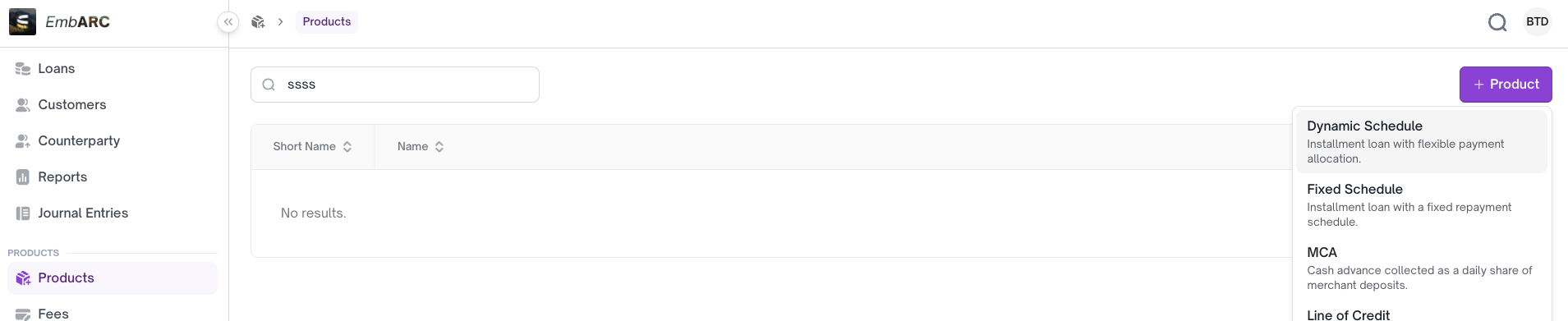
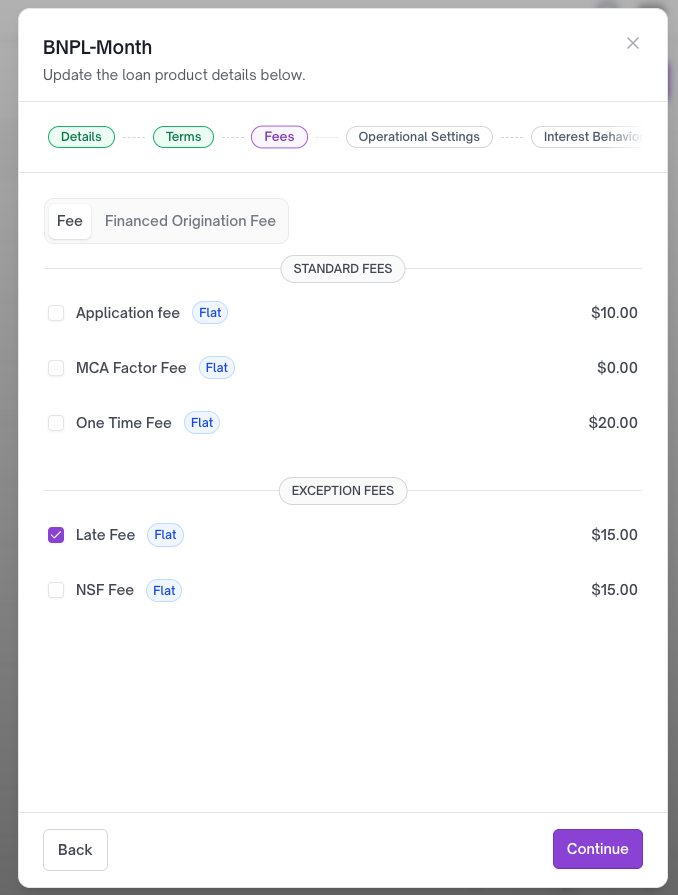
II. Configuring Late Fees with a Loan Product
III. How to Test Late Fees
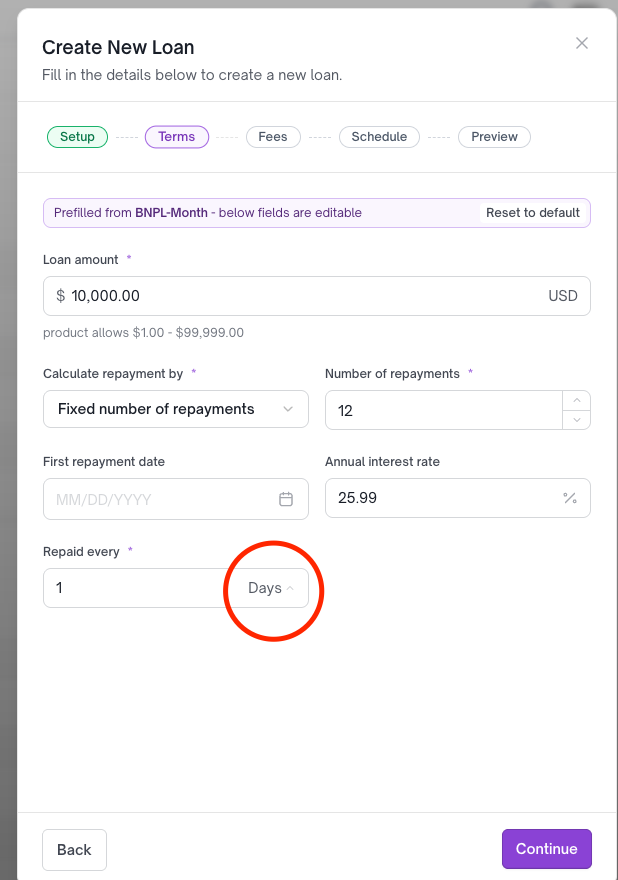
a. Create a loan account with the late fee loan product
To test late fees effectively, use daily frequency so you can observe the late fee applied the next day for any due repayment installments.
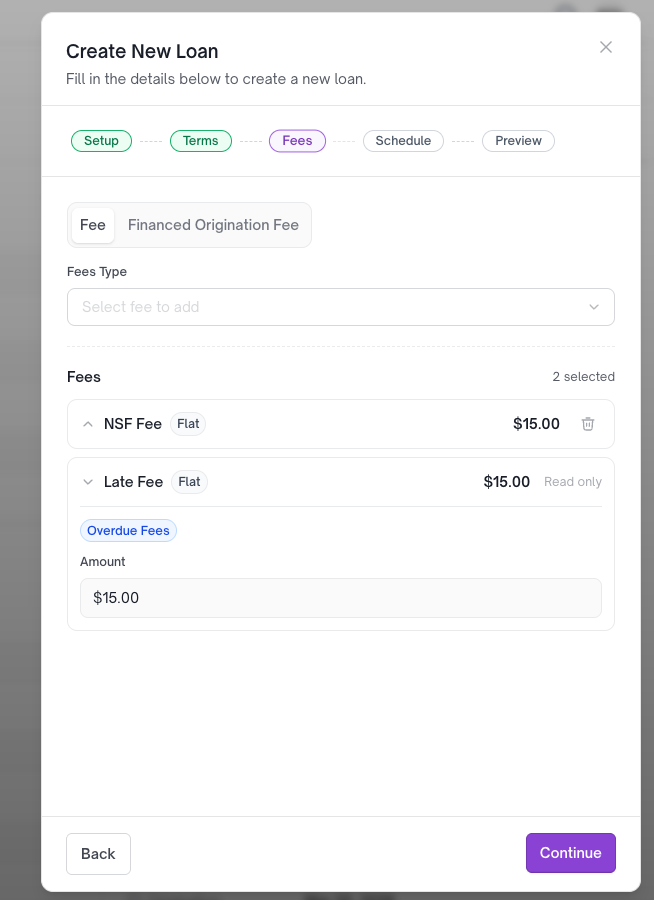
The late fee has been added based on the loan product's configuration.
b. Approve and fund the loan
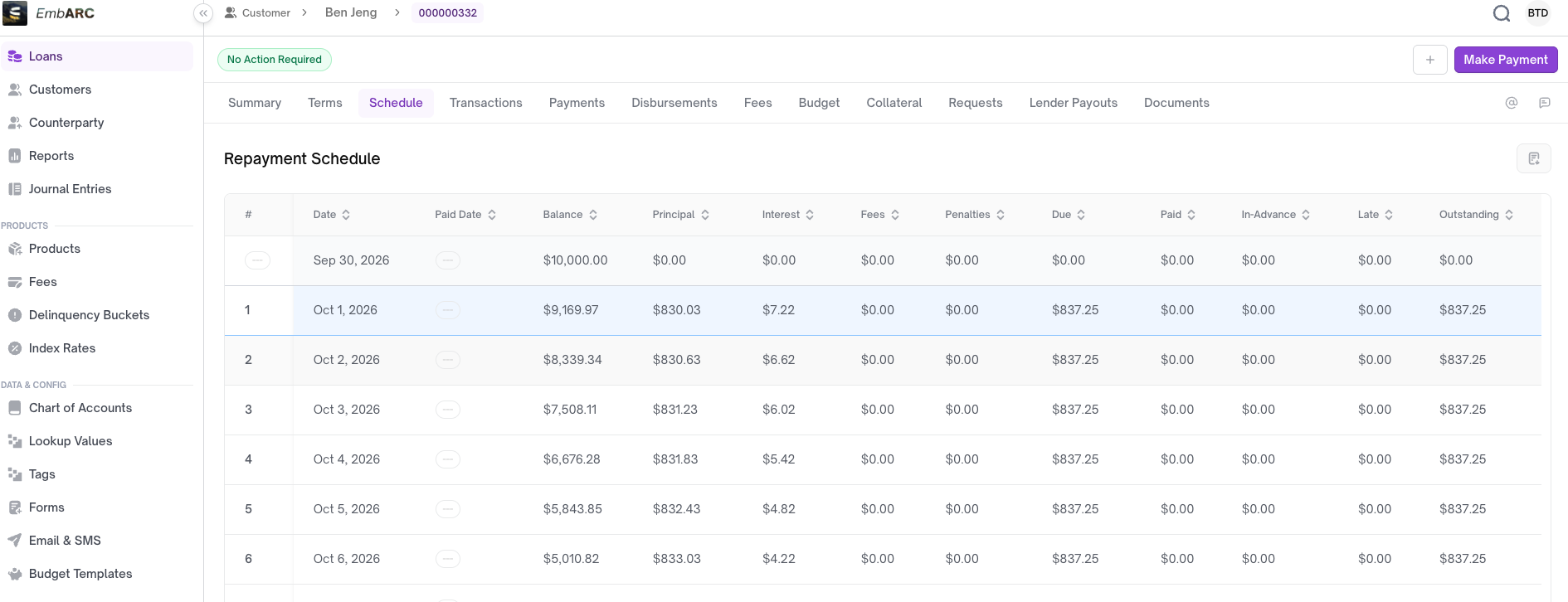
The loan account is now active after disbursement.
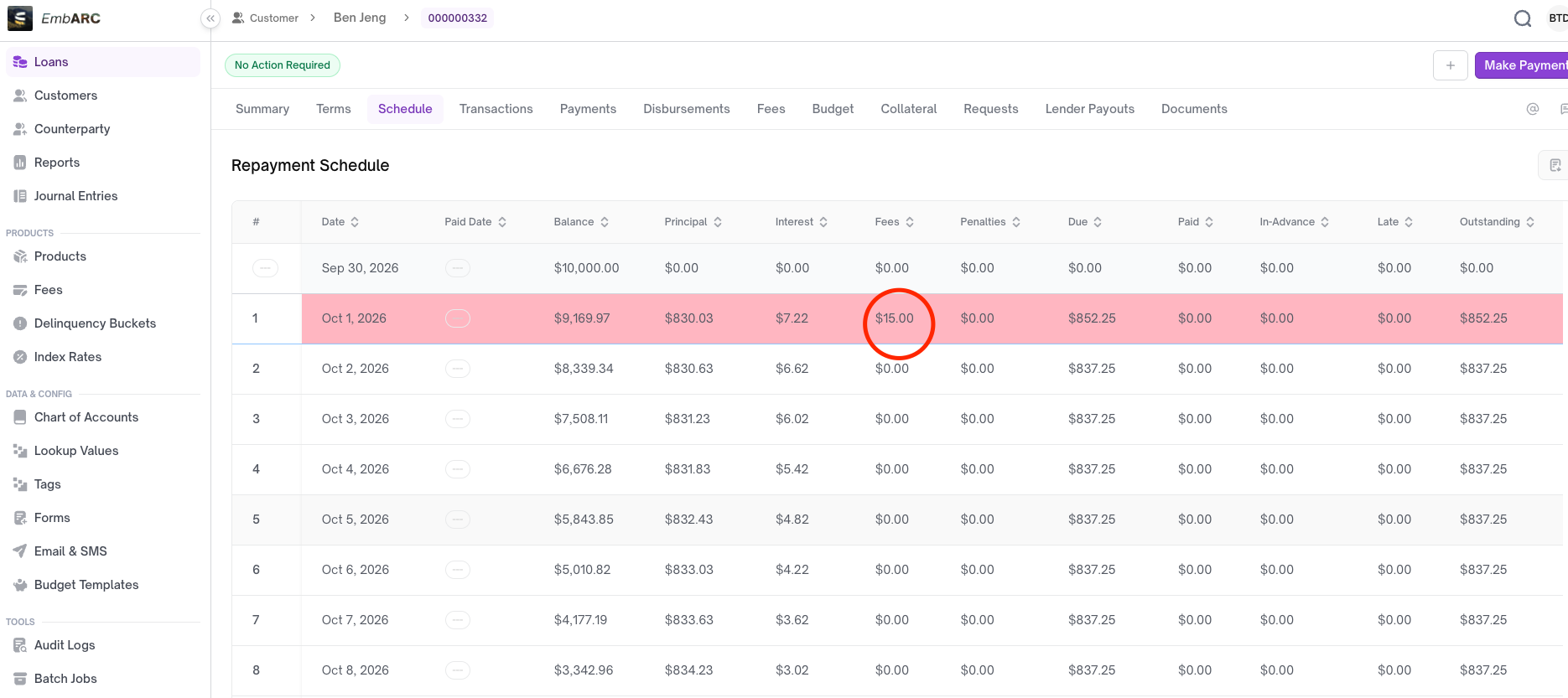
c. Late fee will be applied the next day to each installment
First occurrence date = installment due date + 1 day (+ wait grace period if available)
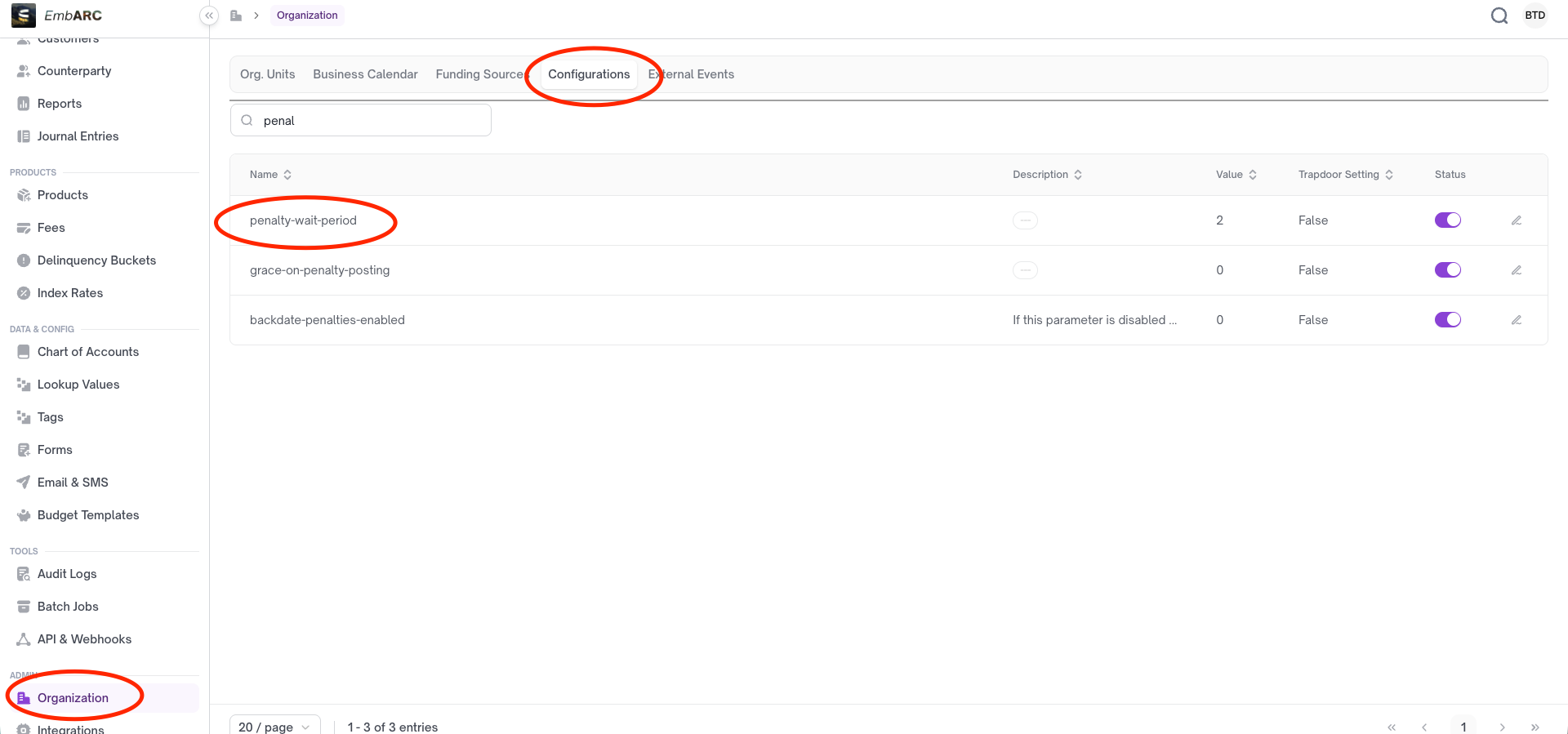
d. Configuring late fee grace period
the grace period which is used to set the target to delay for the penalty.
Updated 8 days ago
Did this page help you?