
Configuring NSF Fee
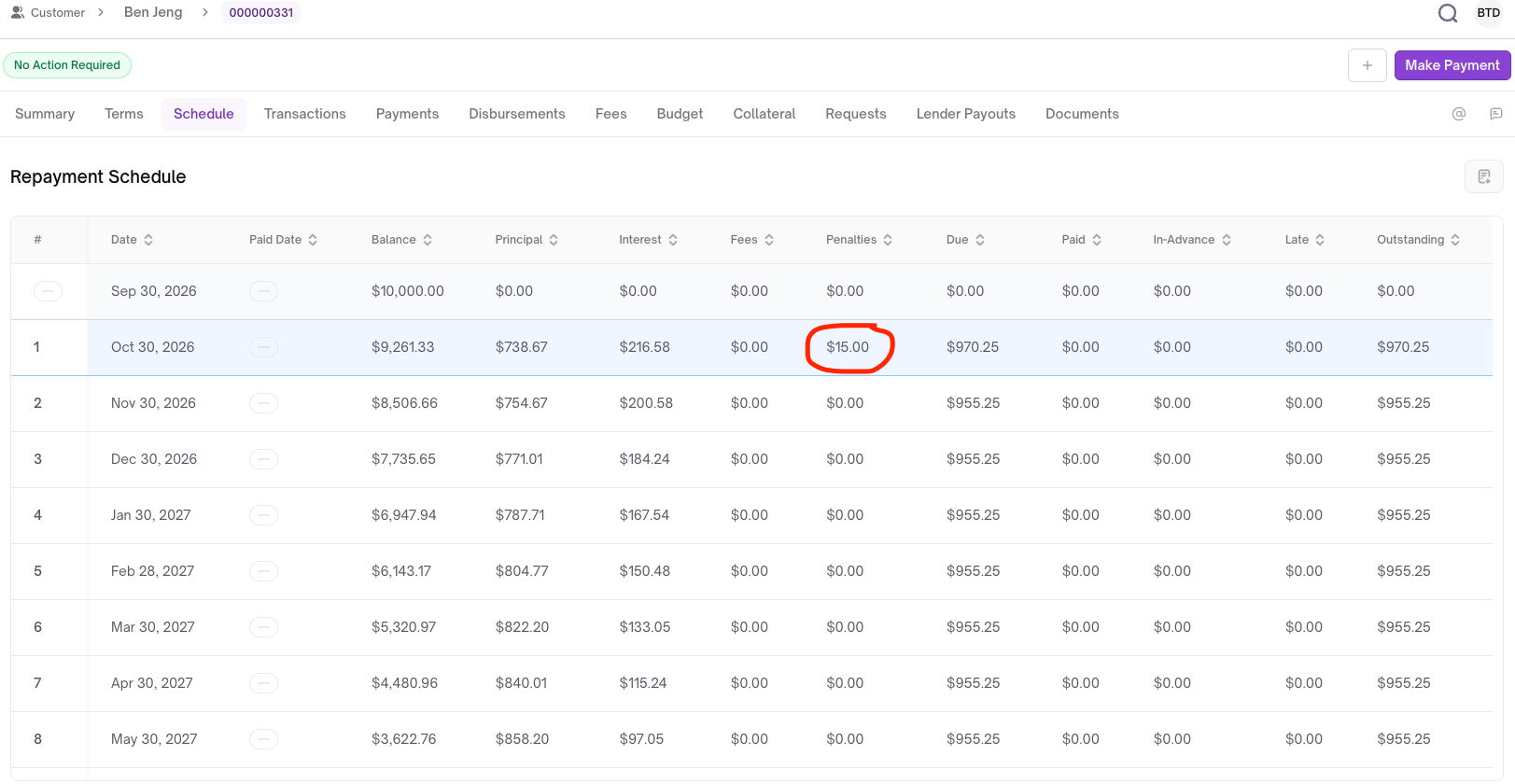
When an ACH repayment fails with an R01 code from the payment processor, Embarc applies the NSF fee to the next repayment period.
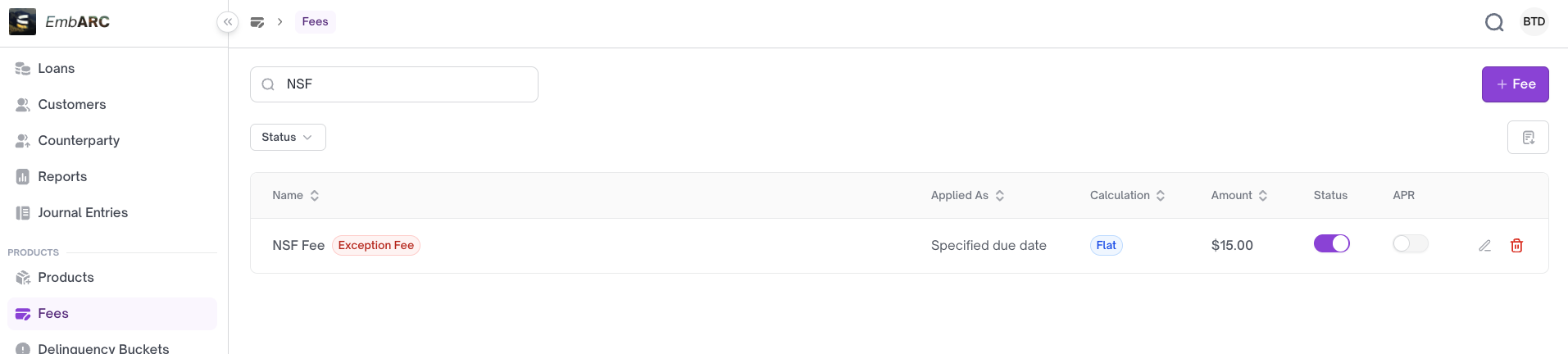
I. NSF Fee
A default fee called NSF Fee can be applied to any loan product.
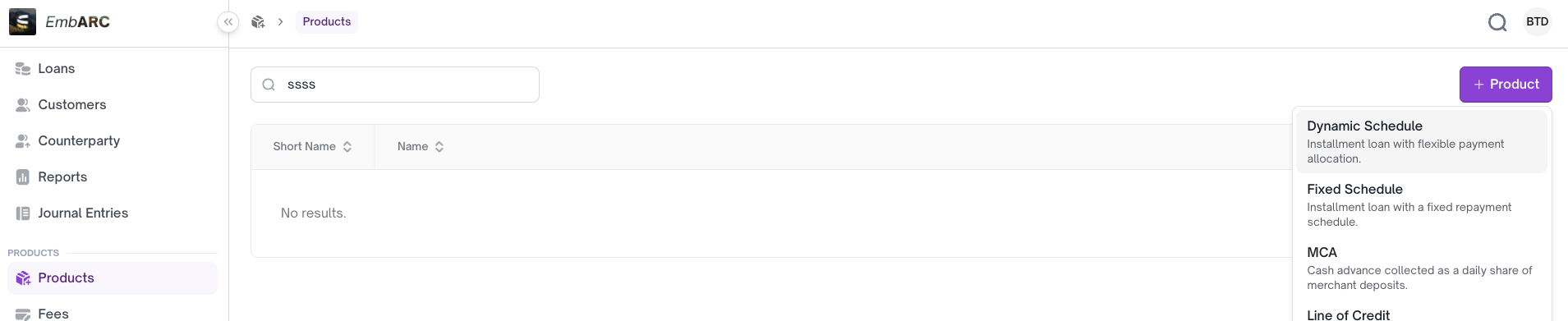
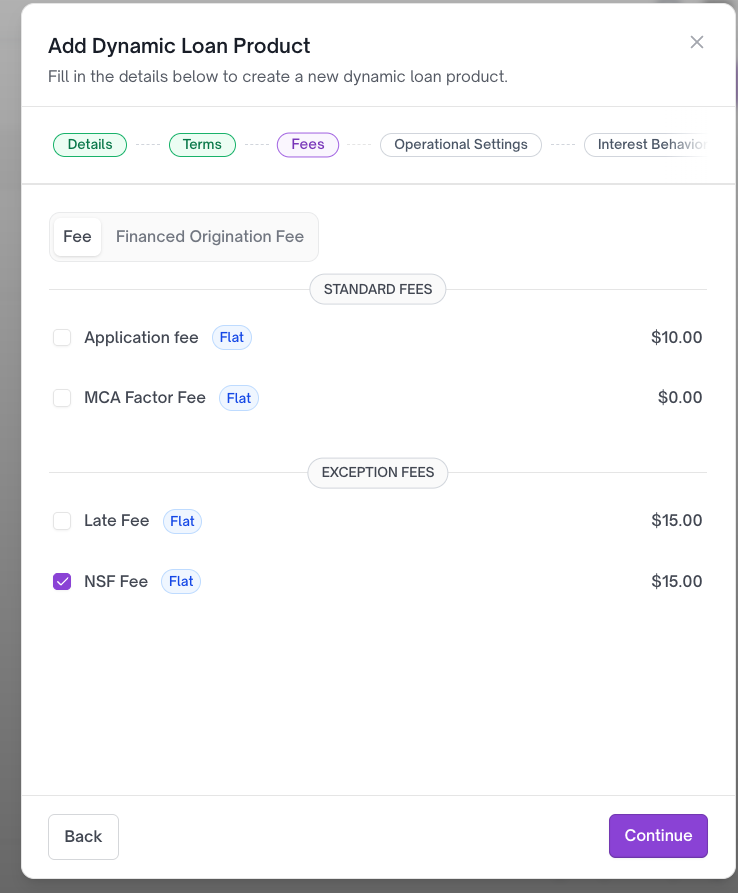
II. Configuring NSF with a Loan Product
III. How to Test NSF Fee
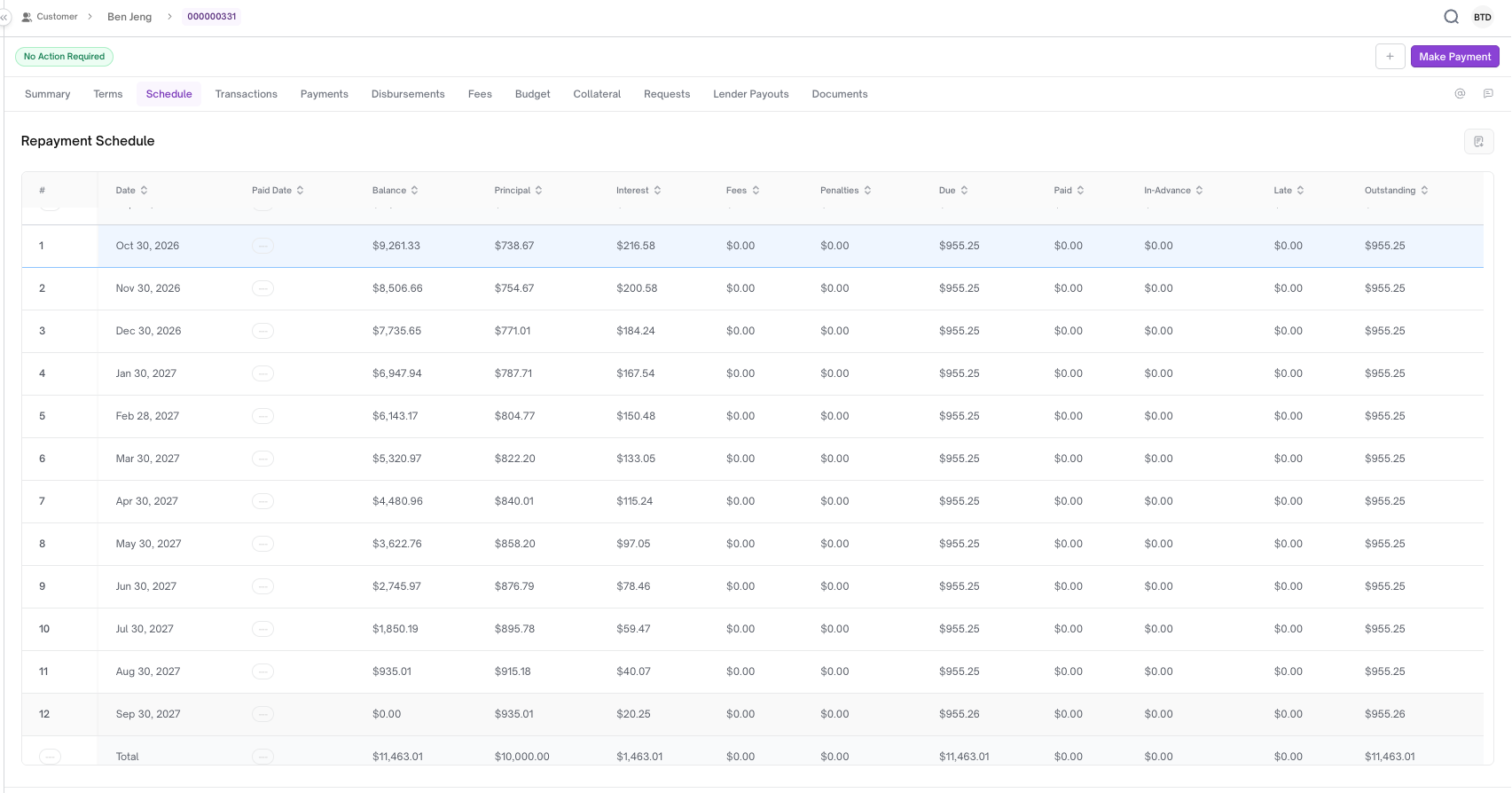
a. Create a loan account with the NSF Fee loan product
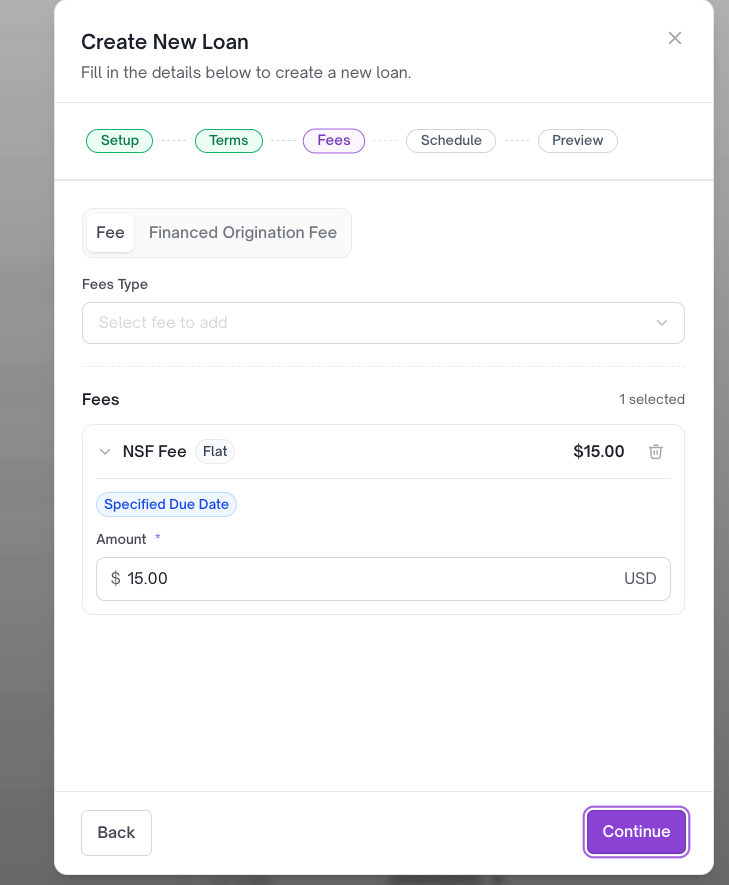
b. Approve and fund the loan
The loan account is now active after disbursement.
c. If using Moov
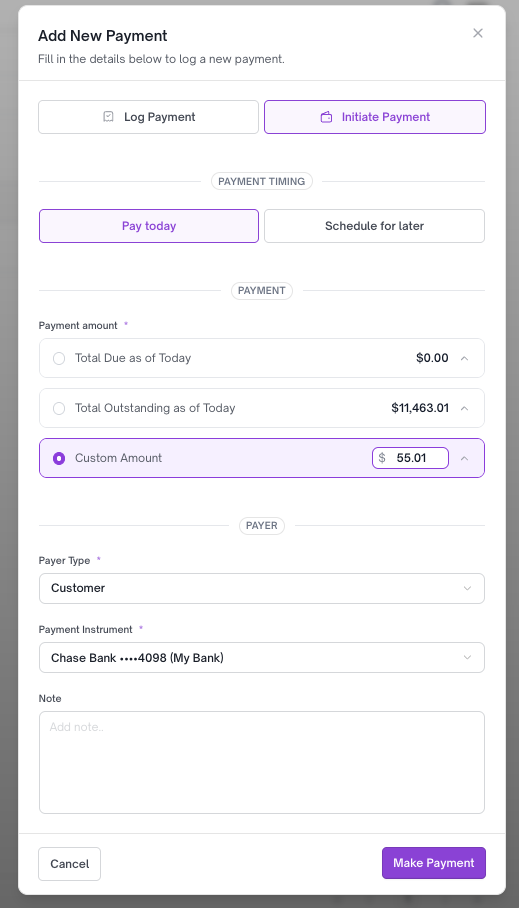
Make a payment from a bank account with the amount $55.01.
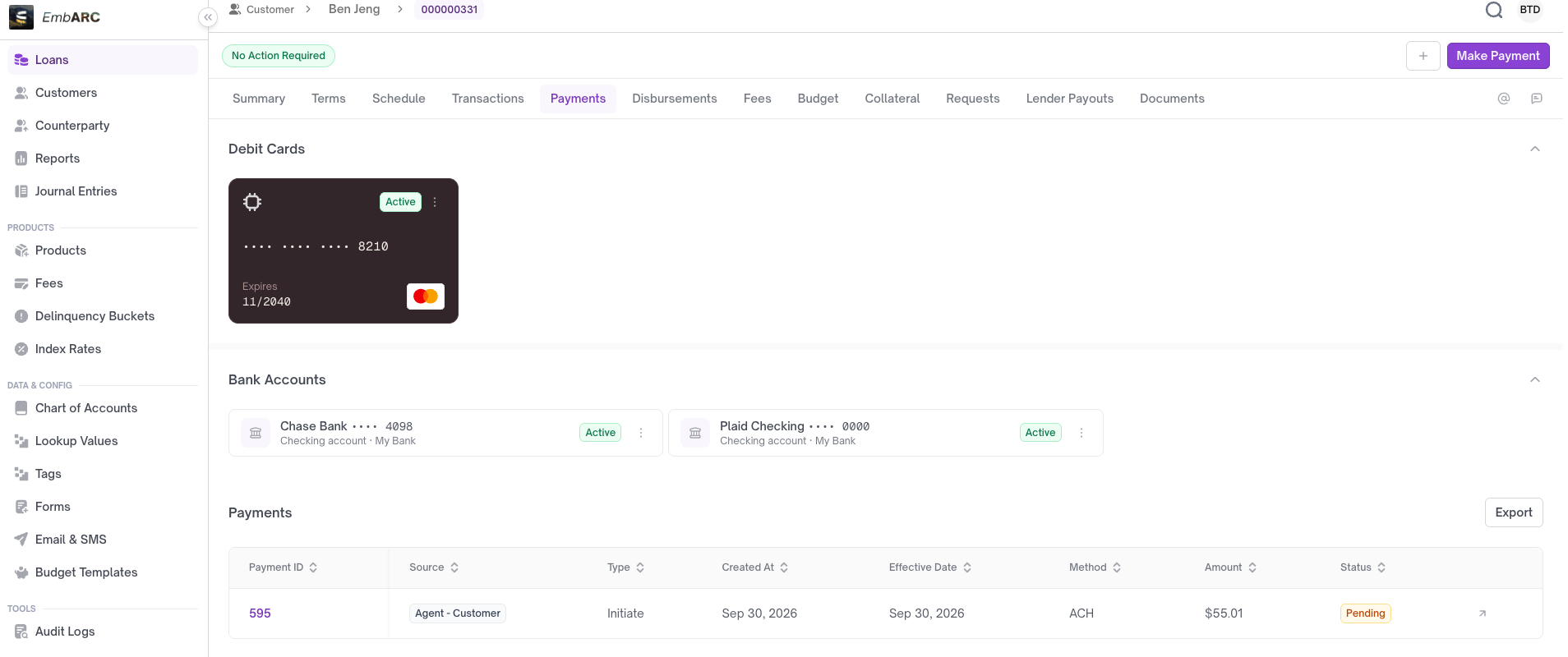
d. A processing payment has been created
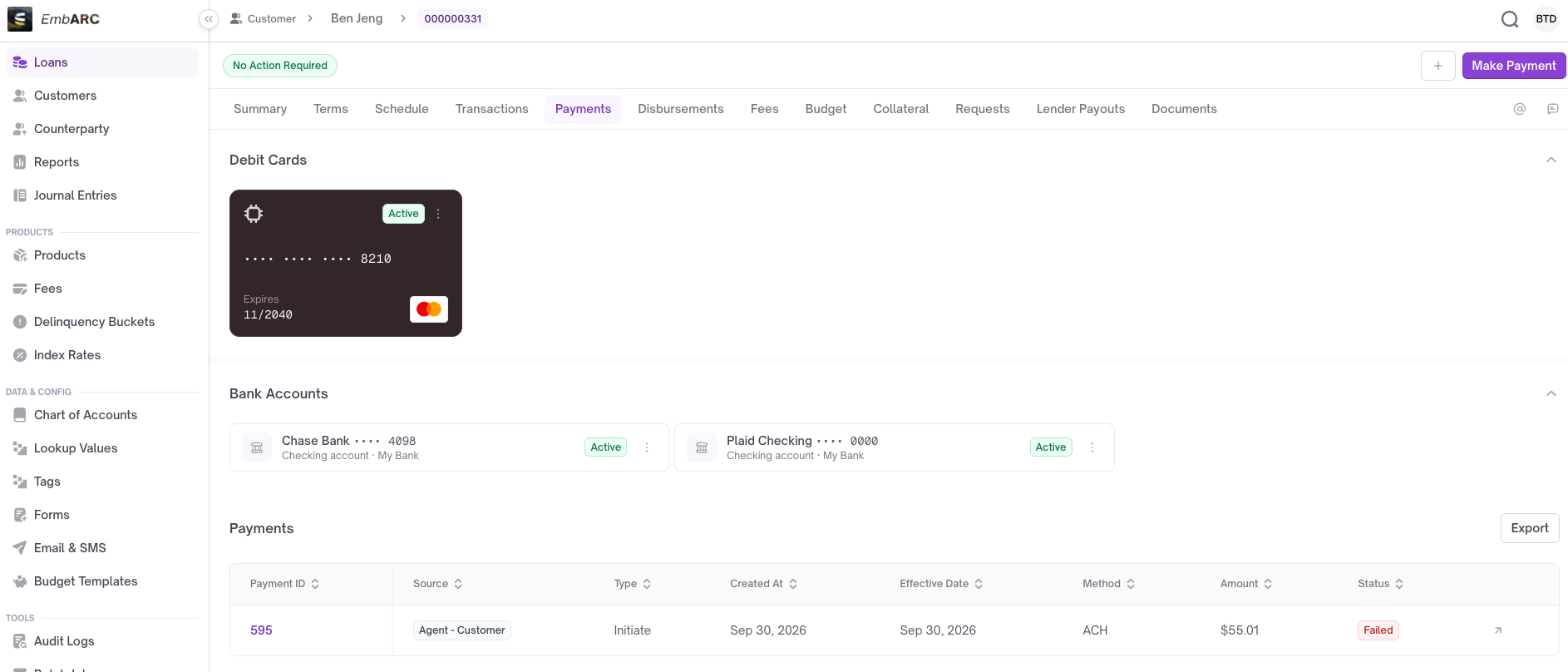
Wait 20–30 minutes. The payment status will then show as failed.
Updated 21 days ago
Did this page help you?