
Configuring Sepecific Date Fee (N Time Fee)
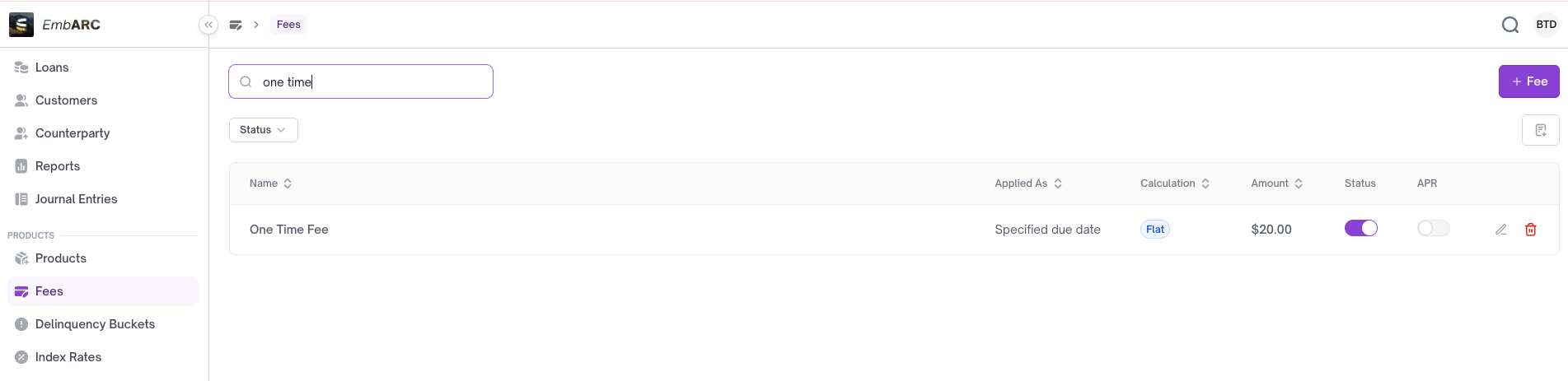
Specific date fees are applied to a particular date within the loan repayment schedule. The fee will be added to the next installment due on that date. You can apply multiple fees.
I. Create a Specific Date Fee
Click + Fee
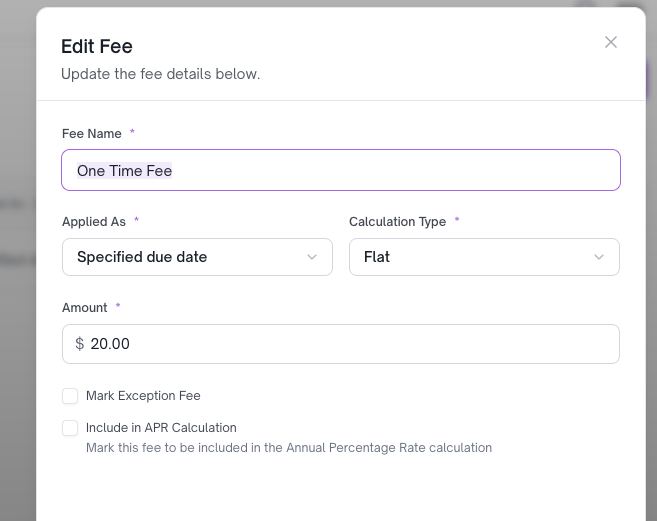
- Enter the fee name
- Applied As:
Specific due date - Calculation Type: Select either Flat or Percentage
II. Apply the Specific Date Fee
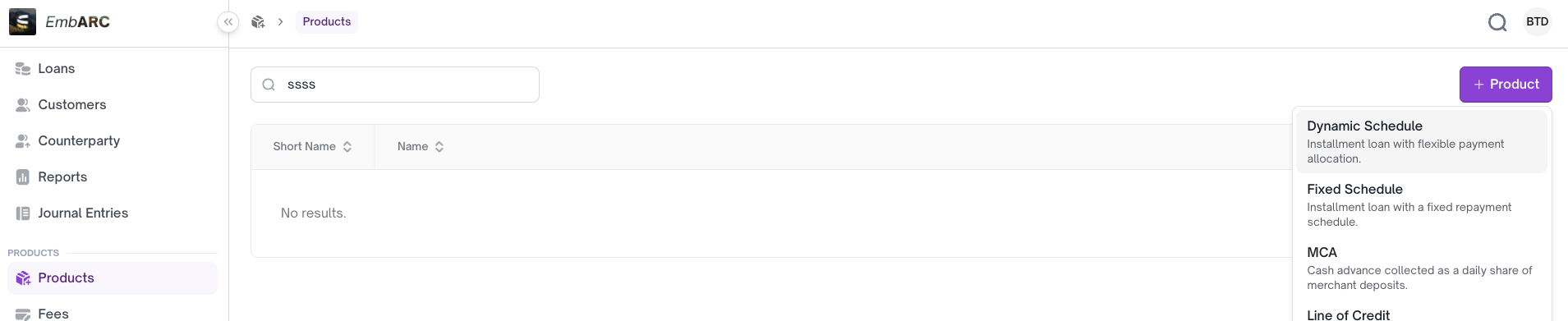
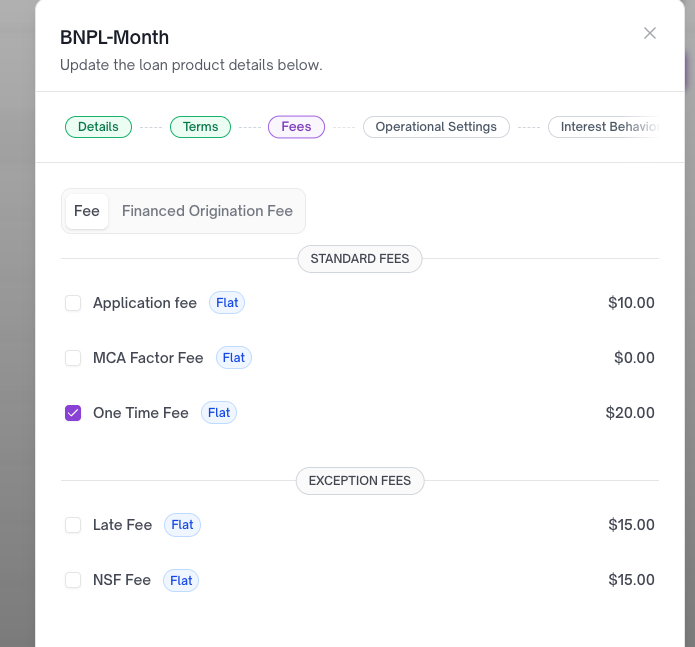
You can configure the fee directly in the loan product, but specific date fees are typically added to individual loan accounts after creation rather than at the product level.
III. How to Test Specific Date Fees
a. Create a loan account
b. Approve and fund the loan
Once the loan is disbursed, the account becomes active.
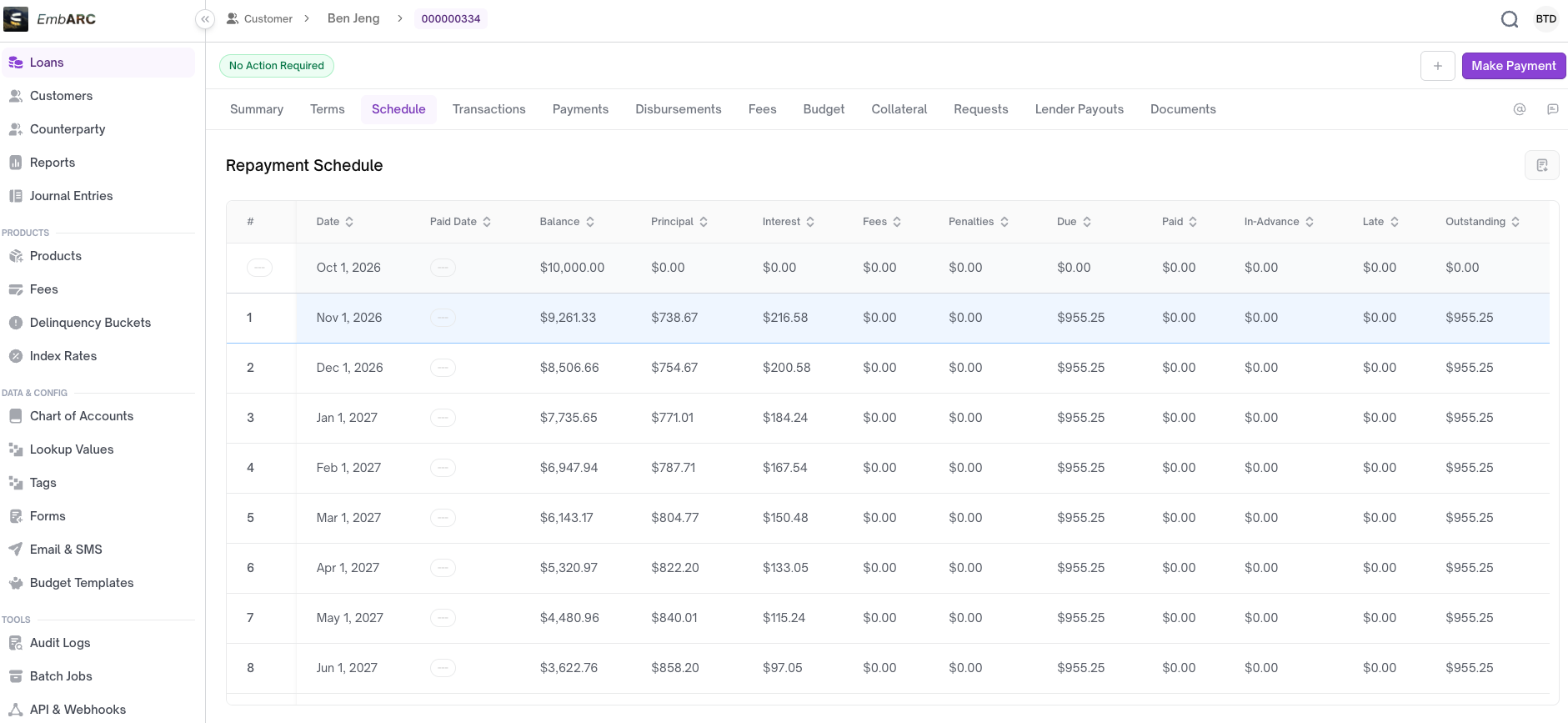
c. Apply the specific date fee to a target date
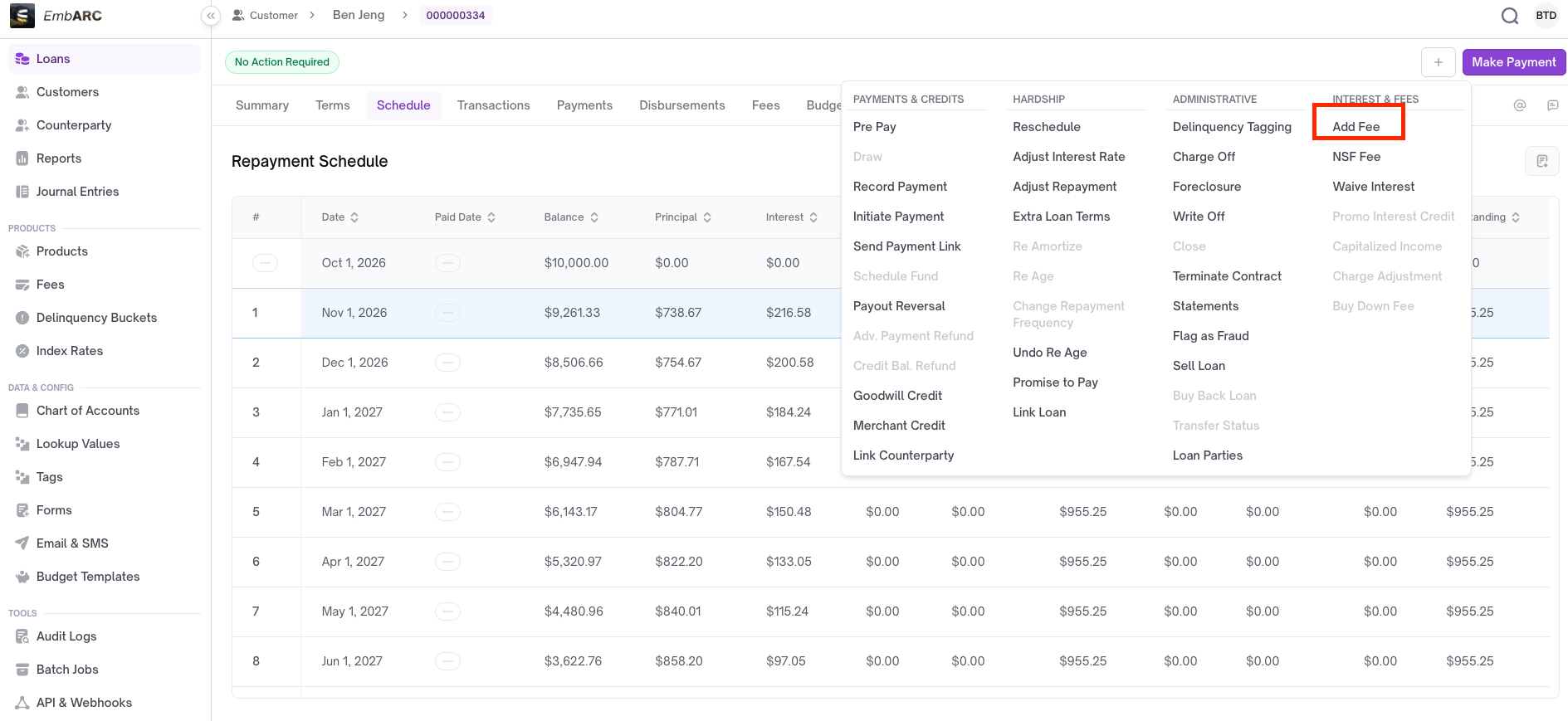
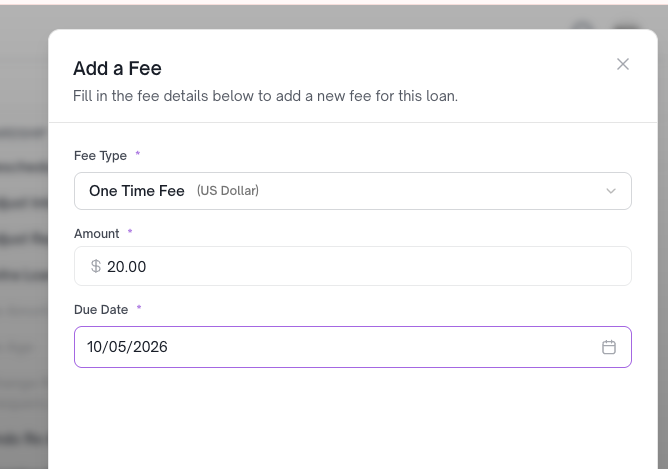
Enter the fee amount for the target date in the repayment schedule.
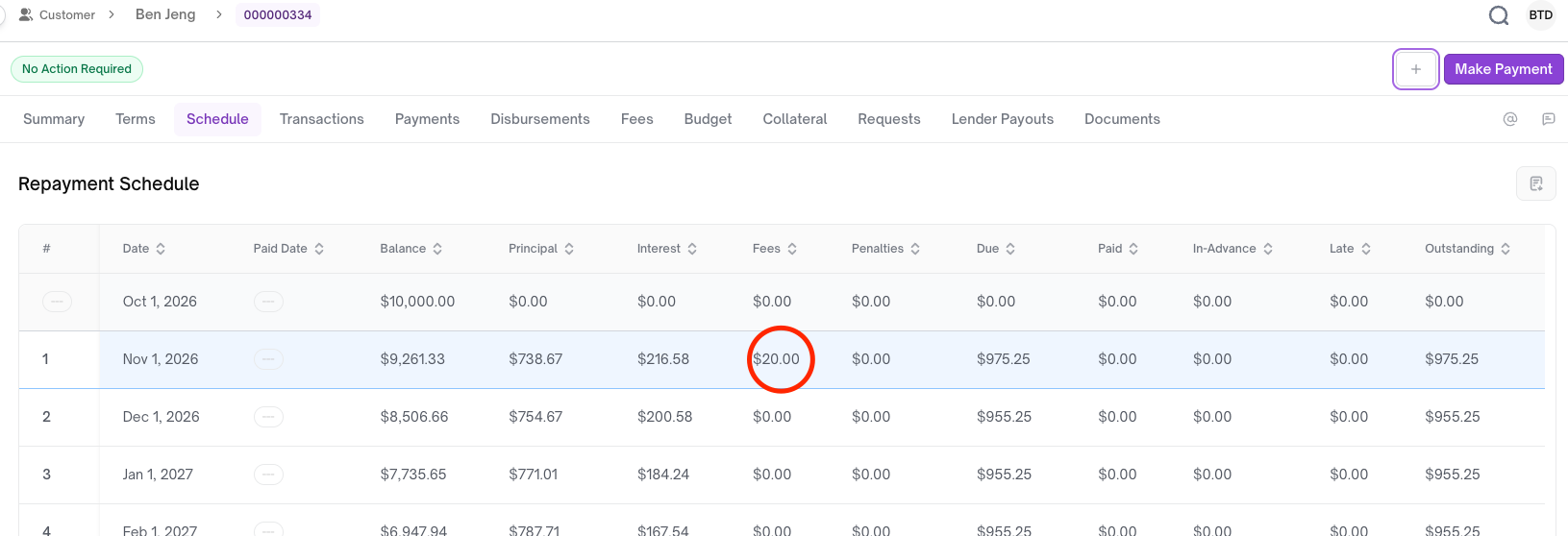
The fee has been added.
Updated 21 days ago
Did this page help you?